

tech
Pipecat: real-time voice agents are a pipeline, not a monolith
A voice agent is never one thing — it is a microphone, an STT, an LLM, a TTS and a speaker wired together in real time. Pipecat models that wiring as an explicit pipeline of composable processors. Here is how, and how it compares.
AI-generated draft · reviewed and editedThis text was generated with AI as a first draft, then reviewed and edited by the author, who holds editorial responsibility for it.

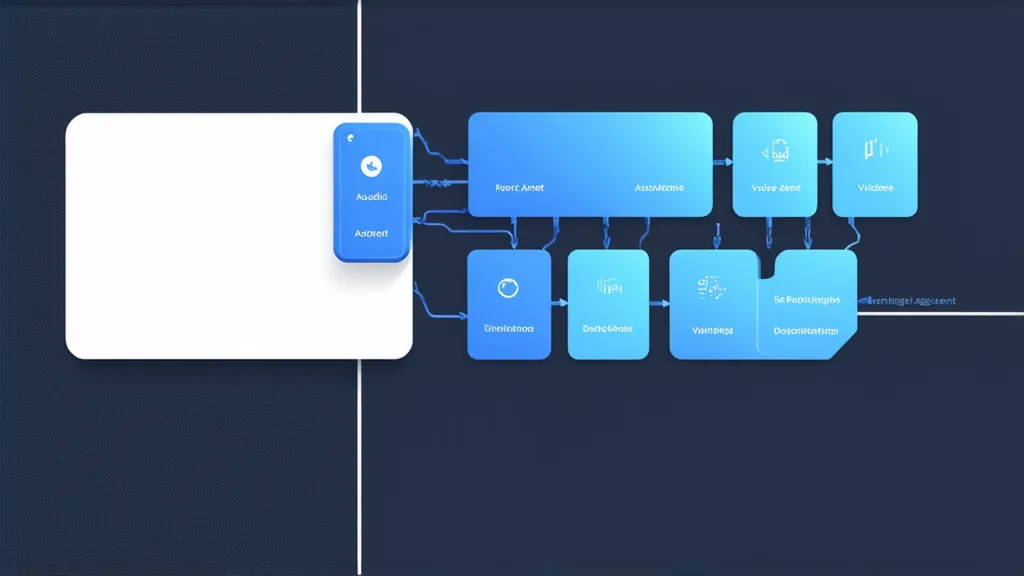
Pipecat: real-time voice agents are a pipeline, not a monolith
A voice agent is never one thing. It is a microphone, a speech recognizer, an LLM, a text-to-speech engine, and a speaker — each with its own latency, its own failure modes, and its own vendor. The hard problem isn't any single component; it's wiring them together in real time without the whole stack feeling robotic. Pipecat's answer is to model that wiring as an explicit pipeline — a series of composable processors through which typed data frames flow. In this expanded walkthrough we dig into the architecture, the latency numbers, the transport tradeoffs, and how Pipecat compares with the alternatives.
What Pipecat actually is
Pipecat is an open-source Python framework for building real-time voice and multimodal conversational agents, created and maintained by Daily — the same company behind the Daily WebRTC platform — together with the Pipecat developer community. It is not a single model and not a single vendor's SDK: it's an orchestration layer that sits between your app and a catalogue of AI services (STT, TTS, LLM, and more) and funnels them into a latency-conscious processing graph. (Source: pipecat.ai https://www.pipecat.ai/, Pipecat README https://github.com/pipecat-ai/pipecat.)
The official docs sum it up precisely: "Open source Python framework for building voice and multimodal AI pipelines. Orchestrate 100+ AI services with ultra-low latency." (Source: Pipecat overview docs https://docs.pipecat.ai/overview/introduction.)
The most important word in that sentence is pipeline. Voice agents are a pipeline, not a monolith.
The architecture: Frames, Processors, Pipelines, Workers
The docs build the whole framework on four foundational concepts (Source: Overview of Pipecat https://docs.pipecat.ai/pipecat/learn/overview):
- Frames — typed data packages that move through the app: audio from a mic, transcribed text, LLM responses, synthesized speech.
- Frame Processors — specialized building blocks. An STT processor turns audio frames into text frames; an LLM processor turns text frames into response frames; a TTS processor turns response frames into audio frames.
- Pipelines — connect processors together into a path frames flow through. The pipeline handles orchestration automatically.
- Workers — a worker runs a pipeline, and a worker that owns a pipeline is an agent. A standalone voice bot is a single
PipelineWorker; Pipecat is a multi-agent system, so you can run several workers that coordinate over a shared bus. TheWorkerRunnerstarts workers and manages their lifecycle.
Pipecat's worker types stack on each other: BaseWorker (bus + lifecycle) → PipelineWorker (runs a pipeline) → LLMWorker (adds an LLM pipeline and auto @tool registration) → LLMContextWorker (adds a built-in context + aggregator) → UIWorker (drives a client GUI over the RTVI channel). (Source: Your First Agent https://docs.pipecat.ai/pipecat/learn/your-first-agent.) Note that PipelineTask is now a deprecated alias for PipelineWorker, and PipelineRunner for WorkerRunner — the canonical agent types in Pipecat's post-1.0 naming.
The canonical pipeline
A typical Pipecat pipeline looks like this (Source: Pipecat quickstart https://docs.pipecat.ai/pipecat/get-started/quickstart / learn/pipeline https://docs.pipecat.ai/pipecat/learn/pipeline):
pipeline = Pipeline([
    transport.input(),       # Receive audio from the browser/device
    stt,                     # Speech-to-text (e.g. Deepgram)
    user_aggregator,         # Add the user's message to LLM context
    llm,                     # Language model (e.g. OpenAI / Anthropic)
    tts,                     # Text-to-speech (e.g. Cartesia / ElevenLabs)
    transport.output(),      # Send audio back to the device
    assistant_aggregator,    # Add the bot's response to context
])
Data flows through the pipeline as frames. Ordering matters: audio must be transcribed before the LLM can see it, and text must be synthesized before it can be played back. The pipeline is managed by a worker:
worker = PipelineWorker(
    pipeline,
    params=PipelineParams(
        enable_metrics=True,
        enable_usage_metrics=True,
    ),
)
The critical performance insight is that everything runs in parallel. While the LLM is still generating the later parts of a response, the earlier tokens are already being converted to speech and streamed to the user. Streaming at every stage — instead of waiting for complete responses — is what keeps the round trip feeling instant. (Source: Overview of Pipecat https://docs.pipecat.ai/pipecat/learn/overview.)
Integrations: the 100+ services claim, verified
The docs' claim of "100+ AI services" holds up. I counted 107 distinct service integration pages in the Pipecat README across categories (Source: Pipecat README https://github.com/pipecat-ai/pipecat#-available-services):
- Speech-to-Text (22): Deepgram, Whisper/OpenAI, Azure, AssemblyAI, Groq (Whisper), Google, AWS, Cartesia, ElevenLabs, Speechmatics, Soniox, Mistral, NVIDIA, and more.
- LLMs (25): OpenAI, Anthropic, Gemini, Groq, Mistral, DeepSeek, Ollama, OpenRouter, Perplexity, Cerebras, Qwen, SambaNova, Together, and more.
- Text-to-Speech (32): ElevenLabs, Cartesia, Deepgram, Azure, OpenAI, MiniMax, Piper, Rime, Resemble, Google, Hume, and more.
- Speech-to-Speech (5): OpenAI Realtime, Gemini Multimodal Live, Grok Voice Agent, AWS Nova Sonic, Ultravox.
- Transports (8): Daily (WebRTC), LiveKit (WebRTC), SmallWebRTC, FastAPI WebSocket, WebSocket server, Vonage, WhatsApp, Local.
- Telephony serializers (6): Twilio, Telnyx, Plivo, Vonage, Genesys, Exotel.
- Plus video (HeyGen, Tavus, Simli), audio processing (Silero VAD, Krisp Viva, Koala, RNNoise), vision/image, and more.
The beauty of the pipeline design is that these are swappable. You can swap Deepgram for Soniox, OpenAI for Anthropic, or Cartesia for ElevenLabs without touching the rest of the code — the integration boundaries are drawn by the frame types, not by any one vendor. (Source: Pipecat quickstart https://docs.pipecat.ai/pipecat/get-started/quickstart.)
Why low latency matters, and the actual numbers
Real-time voice is unforgiving. The accepted bar for "natural" conversation is roughly under a second end-to-end, and silence of more than a beat reads as an error. Pipecat's own docs state the target directly:
"Typical voice interactions complete in 500–800 ms for natural conversations." (Source: Overview of Pipecat https://docs.pipecat.ai/pipecat/learn/overview)And the quickstart repeats the point: "Each step happens with minimal latency, typically completing the full round-trip in under one second." (Source: Pipecat quickstart https://docs.pipecat.ai/pipecat/get-started/quickstart.)
Because latency is a first-class concern, Pipecat exposes built-in performance metrics you can turn on with enable_metrics=True (Source: Pipecat metrics docs https://docs.pipecat.ai/pipecat/fundamentals/metrics):
Metric               | Meaning
---------------------------------------------------------------------------------
TTFB             | Time To First Byte, in seconds
TTFA             | Time To First Audio (TTS services only)
Processing Time  | Time taken by the service to respond
Text Aggregation | Time from first LLM token to first complete sentence (TTS)
The docs' sample output shows what realistic numbers look like (Source: Pipecat metrics docs https://docs.pipecat.ai/pipecat/fundamentals/metrics):
AnthropicLLMService#0 TTFB: 0.8378
CartesiaTTSService#0 TTFB: 0.1717
CartesiaTTSService#0 text aggregation time: 0.2134
AnthropicLLMService#0 processing time: 2.4927
So TTFB comes in around a few hundred milliseconds — the LLM's full generation (2.5s) doesn't matter, because streaming starts playing audio from the first token. This is the whole game: optimize TTFB, not total time to last token.
Interruption handling and turn detection
Natural conversations are full of interruptions, and a voice agent that can't be interrupted is a poor voice agent. When a user starts speaking while the bot is talking, Pipecat emits a UserStartedSpeakingFrame that can trigger an interruption — stop the current TTS output and let the user take the floor.
In Pipecat 1.0 the plumbing moved from a single allow_interruptions pipeline flag to a set of composable turn strategies (Source: Migration to 1.0 https://docs.pipecat.ai/pipecat/migration/migration-1.0, Turn Detection docs https://docs.pipecat.ai/pipecat/learn/speech-input):
- Turn start strategies detect speech onset:
VADUserTurnStartStrategy(VAD-based) andTranscriptionUserTurnStartStrategy(transcription-based). - Turn stop strategies decide when the user is done, e.g.
TurnAnalyzerUserTurnStopStrategybacked by a model likeLocalSmartTurnAnalyzerV3.
VAD (Voice Activity Detection) is the low-level signal — it detects speech vs. silence, not meaning — and it's configured on the user context aggregator via SileroVADAnalyzer. The key params and their defaults (Source: Silero VAD docs https://docs.pipecat.ai/api-reference/server/utilities/audio/silero-vad-analyzer):
start_secs(default 0.2) — how long the user must speak before VAD confirms speech started. Lower = more responsive but touchy; higher = less sensitive but may miss quick "yes"/"no"/"ok".stop_secs(default 0.2) — how much silence confirms the user stopped. Critical for turn-taking: a shorter value lets the STT finalize sooner. The docs note built-in STT P99 latency figures are measured withstop_secs=0.2.confidenceandmin_volume— thresholds that only raise the bar for what counts as speech.
A useful tip straight from the docs: if the bot over-reacts to background noise, don't crank VAD — remove the noise upstream with an audio filter (Krisp VIVA, ai-coustics, or RNNoise) before the audio reaches VAD and STT. (Source: VAD Configuration https://docs.pipecat.ai/pipecat/learn/speech-input.)
WebRTC vs WebSocket: the transport tradeoffs
Latency is only as good as the wire that carries the audio, and Pipecat supports several transports — DailyTransport, LiveKitTransport, SmallWebRTCTransport, FastAPIWebsocketTransport, WebsocketTransport, plus telephony WebSocket transports with provider serializers. (Source: Transports docs https://docs.pipecat.ai/pipecat/learn/transports.)
The docs are unambiguous about the choice: for any client-to-server voice application, WebRTC is the right choice. WebSocket looks simpler but is built on TCP, which is a poor fit for real-time audio (Source: Choosing a Transport https://docs.pipecat.ai/client/concepts/choosing-a-transport):
- Head-of-line blocking: TCP retransmits lost packets and holds up everything behind them. For audio, a dropped packet is better discarded than waited for — a brief gap sounds far better than a stutter.
- Opus codec coupling: Opus's forward-error-correction and packet-loss concealment assume UDP's delivery model; on TCP that machinery doesn't help and can hurt.
- No automatic timestamping: WebRTC handles RTP timestamping and jitter buffering; WebSocket leaves it to you.
- No built-in echo cancellation: browser AEC is wired into the WebRTC stack, not available to arbitrary WebSocket streams.
- Reconnection complexity: WebRTC handles ICE restarts and network changes; WebSocket reconnection (mobile sleep/wake, network switches) you must rebuild yourself.
WebSocket is appropriate for server-to-server connections (both sides on stable networks), telephony providers (Twilio, Telnyx, etc. stream media over WebSocket with a FrameSerializer), or text-only bots. The corollary: a shared conversation network like Twilio, where audio flows through the provider over WebSocket to your server, has different latency characteristics than a direct WebRTC browser call. (Source: Transports docs https://docs.pipecat.ai/pipecat/learn/transports.)
Multi-agent and voice-pipeline patterns
Because each pipeline is an agent, Pipecat scales from a single bot to full multi-agent systems where specialists "hand off, fan out in parallel, and coordinate over a shared bus." (Source: Pipecat README https://github.com/pipecat-ai/pipecat.) The WorkerRunner creates an in-process AsyncQueueBus by default; for distributed setups you pass a network bus like RedisBus or PgmqBus. (Source: Your First Agent https://docs.pipecat.ai/pipecat/learn/your-first-agent.)
Documented patterns include (Source: Pipecat learning docs https://docs.pipecat.ai/pipecat/learn/overview):
- Multiple LLM agents — each agent owns its own LLM, tools, and conversation context.
- Agent handoff — transfer control between agents with activation, deactivation, and handoff.
- Job coordination — dispatch work from one agent to others and collect results.
- Distributed agents — run agents across processes and machines connected to the same bus.
- Proxy agents — connect agents on different buses across process boundaries.
- BusBridge — routes frames between the transport pipeline and the agent bus.
This is the pattern of true pipeline thinking: agents as composable pipes in a graph rather than as a bespoke monolith per feature.
How Pipecat compares to the alternatives
To be fair about Pipecat, you have to hold it next to what else is out there:
Framework               | Positioning                                                            | Transport                      | Tradeoffs
----------------------------------------------------------------------------------------------------------------------------------------------------------------------------------------------------------------------------------------------------------------
Pipecat (Daily)     | Open-source orchestration framework, provider-agnostic                 | WebRTC + WebSocket + telephony | You assemble STT/LLM/TTS yourself; self-hosted or via Pipecat Cloud. Total control, most flexibility.
LiveKit Agents      | Open-source framework tightly coupled to LiveKit's WebRTC media server | WebRTC-first                   | First-class job dispatch, semantic turn detection, MCP support, telephony via LiveKit SIP; assumes you run a LiveKit server.
OpenAI Realtime API | Proprietary, hosted speech-to-speech API                               | WebRTC / WebSocket / SIP       | Lowest setup for speech-to-speech, streaming reasoning; but locked to OpenAI models and no provider mixing.
Vocode              | Open-source library for voice LLM apps                                 | Phone / Zoom / system audio    | Easy streaming with LLMs, telephony focus; historically has been "looking for community maintainers."
Vapi                | Paid hosted developer platform                                         | Phone calls + web              | Managed infrastructure, make/receive calls, dozens of providers, but it's a SaaS — you deploy on Vapi, not your own stack.
LiveKit Agents
LiveKit's Agent Framework (a.k.a. livekit-agents) is "designed for building realtime, programmable participants that run on servers" — conversational, multi-modal voice agents. Strengths: a full plugin ecosystem (OpenAI, Deepgram, Cartesia), built-in job scheduling/dispatch, semantic turn detection (a transformer model that detects when a user is done, reducing interruptions), native MCP support, and tight telephony via LiveKit's SIP stack. It's fully open-source and couples strongly to LiveKit's WebRTC infrastructure. (Source: LiveKit Agents README https://github.com/livekit/agents.)
OpenAI Realtime API
OpenAI's Realtime API is a speech-to-speech approach: instead of chaining STT → LLM → TTS, you stream raw audio to gpt-realtime models and get audio back, with WebRTC/WebSocket/SIP connection options. It excels at low-latency live audio with minimal assembly, and newer models add reasoning to speech-to-speech workflows. The tradeoff: it's a single-vendor, closed stack — you can't mix in Deepgram STT or Cartesia TTS, and you can't run it on your own media server. OpenAI's own guidance is to use the Realtime API for live audio that needs low latency and request-based audio APIs for files/bounded requests. (Source: OpenAI Realtime docs https://platform.openai.com/docs/guides/realtime.)
Vocode
Vocode is an open-source Python library for building "voice-based LLM apps in minutes" and deploying them to phone calls, Zoom, or system audio, with streaming conversations. Out of the box it integrates many STT/LLM/TTS vendors. It's lighter-weight than Pipecat's orchestration and historically notes it's "actively looking for community maintainers" — so it's smaller and less actively maintained in the framework race. (Source: Vocode README https://github.com/vocodedev/vocode-python.)
Vapi
Vapi is a commercial developer platform that "handles the complex infrastructure so you can focus on creating great voice experiences," with voice agents that can make and receive phone calls. You pick from dozens of STT/LLM/TTS providers and use primitives like Assistants, Squads, and a Composer to configure agents. It's fully managed — the fastest path to a hosted phone agent, but you deploy on Vapi's platform rather than your own pipeline. (Source: Vapi intro https://docs.vapi.ai/quickstart/introduction.)
The takeaway
The shift in voice AI is from models to pipelines. A single callable LLM with audio in/out is the OpenAI-style monolith — fast to demo, but closed and unscalable across vendors. A pipeline framework like Pipecat gives you the architecture: typed frames, swappable providers, streamed parallelism, interruptible turn-taking, and transports matched to your network. It's more parts to wire, but it's also the difference between a demo and a voice agent you can actually shape.
mic → input → STT → user_agg → LLM → TTS → output → speaker → assistant_agg
            └────── each stage streams, in parallel ──────┘
Sources
- Pipecat home (creator/maintainer): https://www.pipecat.ai/ — "Open source framework for voice and multimodal conversational AI. Maintained by Daily and the Pipecat developer community."
- Pipecat README (architecture, services, multi-agent): https://github.com/pipecat-ai/pipecat
- Pipecat overview docs (100+ services, ultra-low latency): https://docs.pipecat.ai/overview/introduction
- Overview of Pipecat (Frames/Processors/Pipelines/Workers, 500–800ms): https://docs.pipecat.ai/pipecat/learn/overview
- Your First Agent (worker types, WorkerRunner, buses): https://docs.pipecat.ai/pipecat/learn/your-first-agent
- Pipeline & Frame Processing: https://docs.pipecat.ai/pipecat/learn/pipeline
- Quickstart (canonical pipeline, <1s round trip, context aggregators, RTVI): https://docs.pipecat.ai/pipecat/get-started/quickstart
- Metrics docs (TTFB/TTFA/Processing/Text Aggregation, sample numbers): https://docs.pipecat.ai/pipecat/fundamentals/metrics
- Migration to 1.0 (allow_interruptions → turn strategies): https://docs.pipecat.ai/pipecat/migration/migration-1.0
- Speech Input & Turn Detection / VAD (SileroVADAnalyzer params, noise filter advice): https://docs.pipecat.ai/pipecat/learn/speech-input
- Silero VAD Analyzer reference: https://docs.pipecat.ai/api-reference/server/utilities/audio/silero-vad-analyzer
- Transports docs (transport types, WebRTC vs WebSocket, telephony): https://docs.pipecat.ai/pipecat/learn/transports
- Choosing a Transport (WebRTC vs WebSocket client tradeoffs): https://docs.pipecat.ai/client/concepts/choosing-a-transport
- LiveKit Agents README: https://github.com/livekit/agents
- OpenAI Realtime docs: https://platform.openai.com/docs/guides/realtime
- Vocode README: https://github.com/vocodedev/vocode-python
- Vapi Introduction: https://docs.vapi.ai/quickstart/introduction
All facts above were verified against the official Pipecat docs (docs.pipecat.ai), the pipecat.ai site, the pipecat GitHub README, and the linked competitor sources. The "100+ services" claim is corroborated by the 107 distinct service integration pages listed in the Pipecat README (22 STT, 25 LLM, 32 TTS, plus speech-to-speech, transports, serializers, video, audio, vision, memory, and analytics).
keep reading
n8n runs half the internet’s automations. Just don’t call it open source.
Two camps rule agent building — hand everything to the model, or route every path by hand. n8n owns the middle: a fair-code canvas with 2,273 integrations, LangChain-powered agents, per-execution pricing, and a production ops story most coverage skips. Everything numeric here traces to a primary source.
tech · 15 min · 2026-09-27
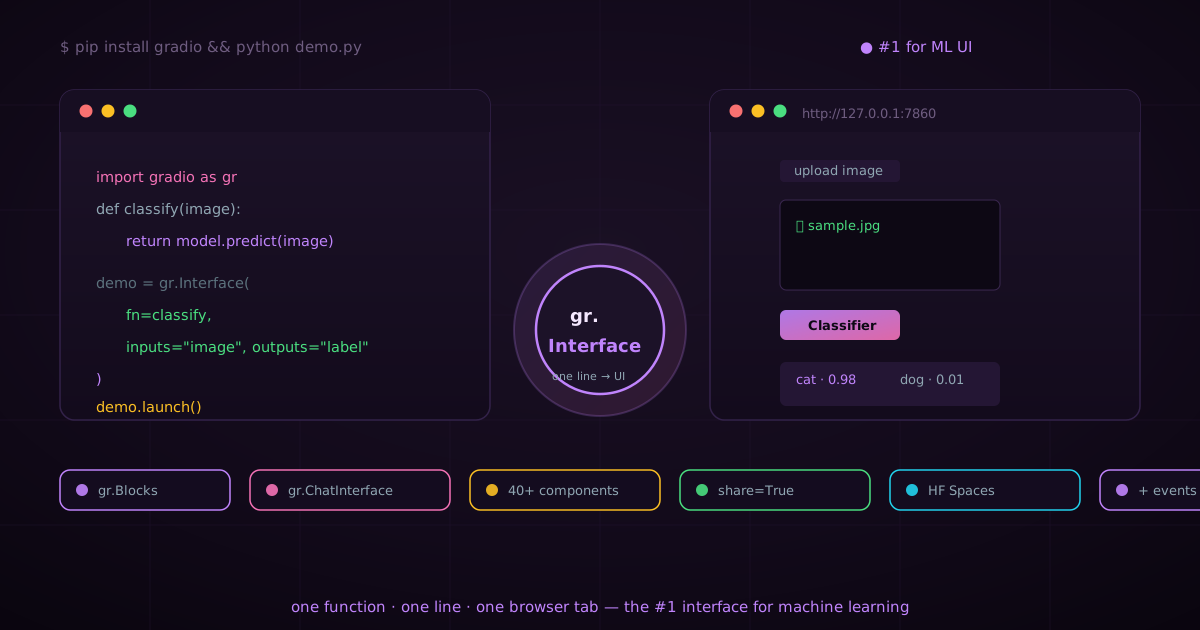
Gradio: the #1 interface for machine learning — one line between a model and the world
A model nobody can use is just a liability. Gradio is the interface layer that made machine learning usable: wrap any Python function in a browser UI with one line, from a single gr.Interface to full multi-page Blocks apps and ChatInterface LLM frontends — then share it with a public URL or deploy it to Hugging Face Spaces, the home of ML demos. Created by Abubakar Abid at Stanford and stewarded by Hugging Face, Gradio has become the default way the world touches AI. This is the complete tour.
tech · 17 min · 2026-09-13
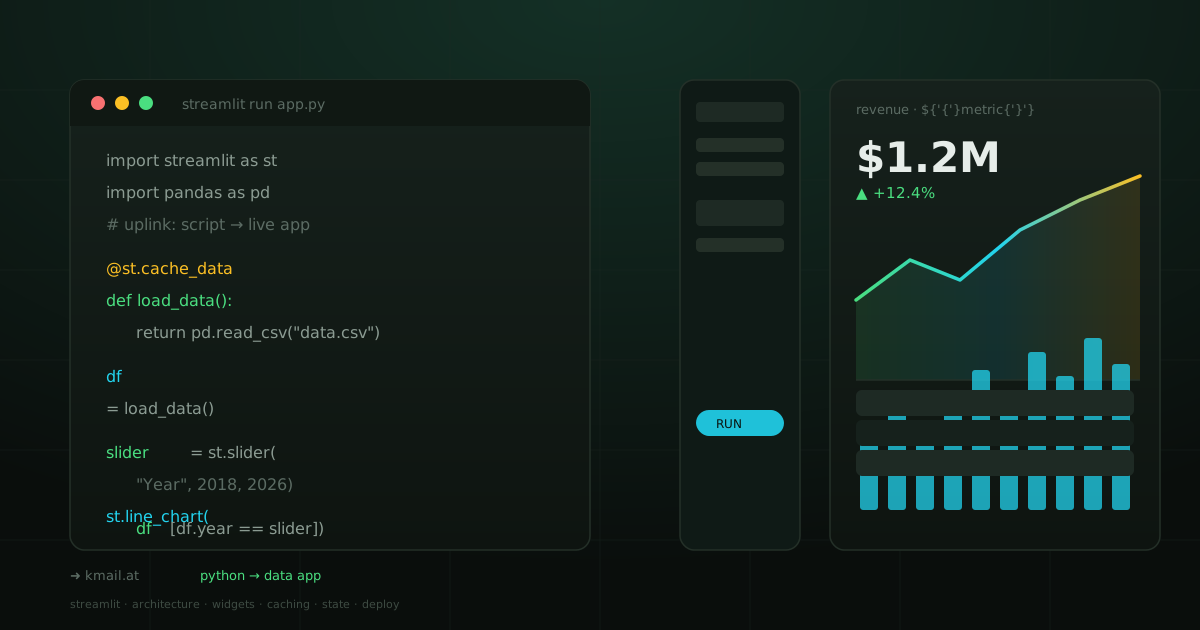
Streamlit: the fastest path from a Python script to a live data app
Streamlit turns plain Python scripts into interactive web apps without writing a single line of HTML, CSS, or JavaScript. Here is an exhaustive tour: how its rerun architecture works, every widget type, caching and session state, multi-page apps, custom components, theming, deployment, security, and how it compares to Dash, Gradio, and Panel.
tech · 18 min · 2026-09-13